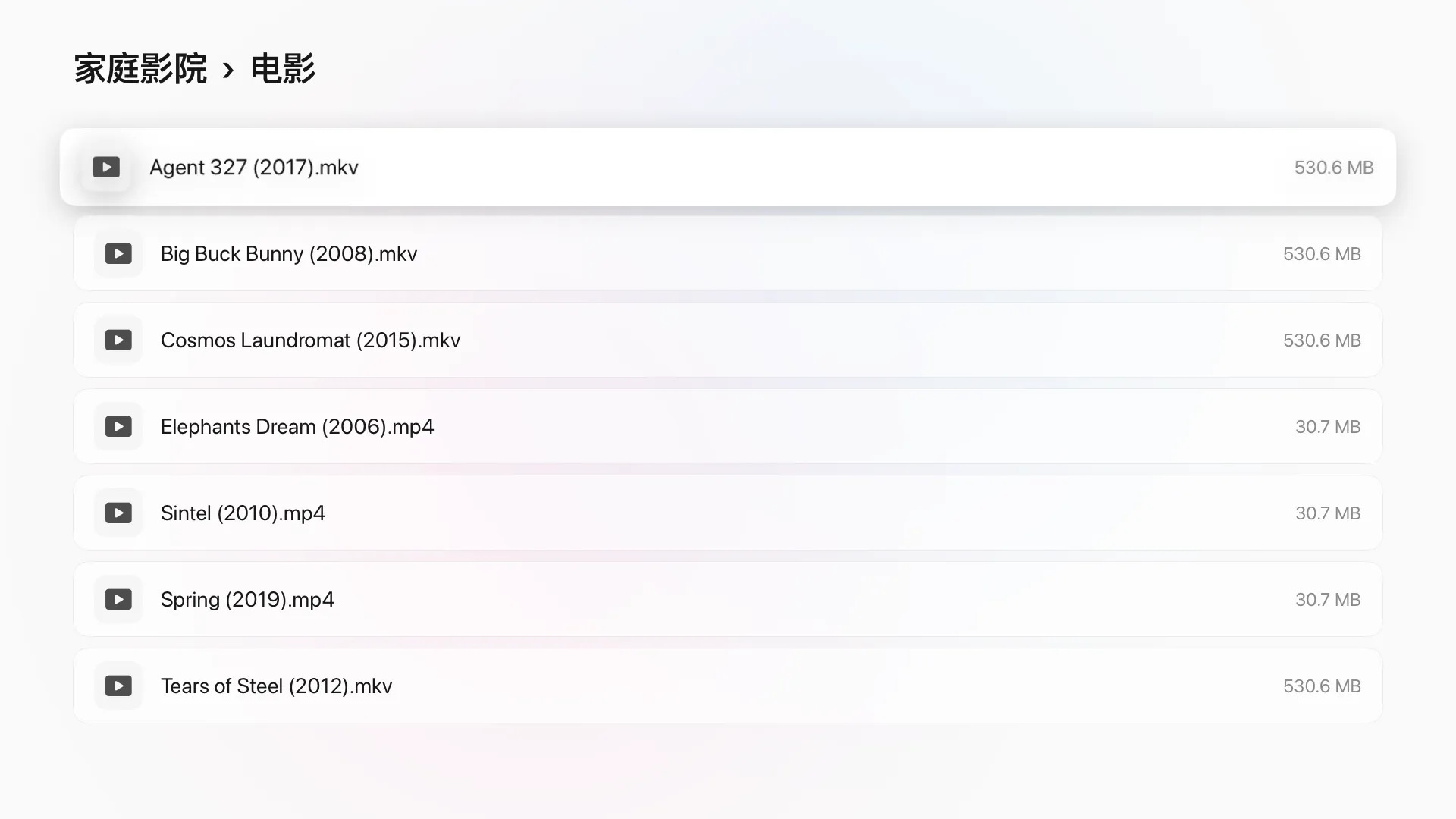
 SMB
SMBSMB network shares
Connect to a NAS, a shared folder on your computer or storage on your router. Servers on your network are found automatically; browse by folder, and each folder plays as a series.

A multi-source player built for Apple TV
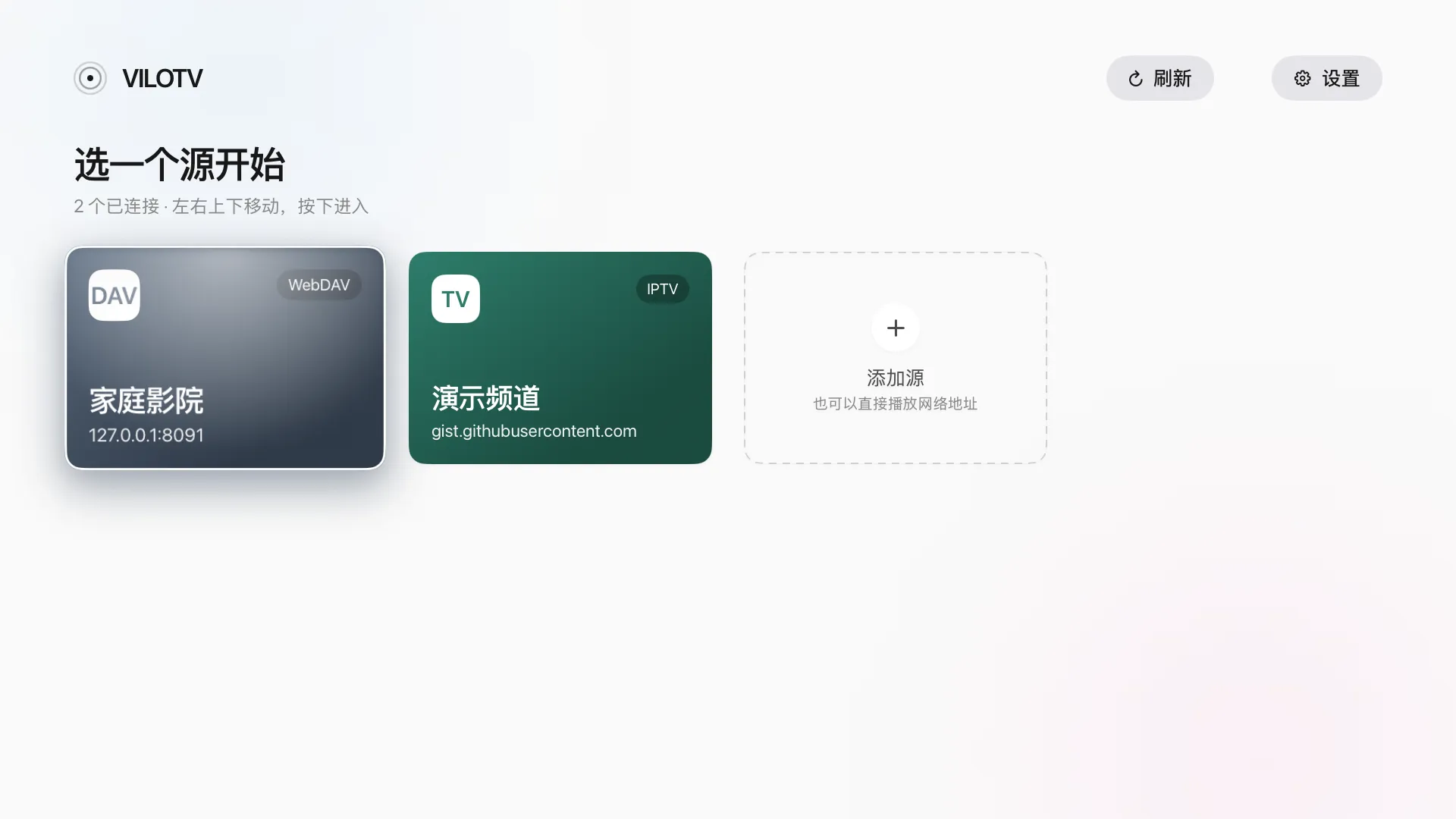
SMB, WebDAV, IPTV, URLs and custom sources. Add your NAS, cloud storage and live channels directly — no transcoding, no moving files around.
SMBConnect to a NAS, a shared folder on your computer or storage on your router. Servers on your network are found automatically; browse by folder, and each folder plays as a series.
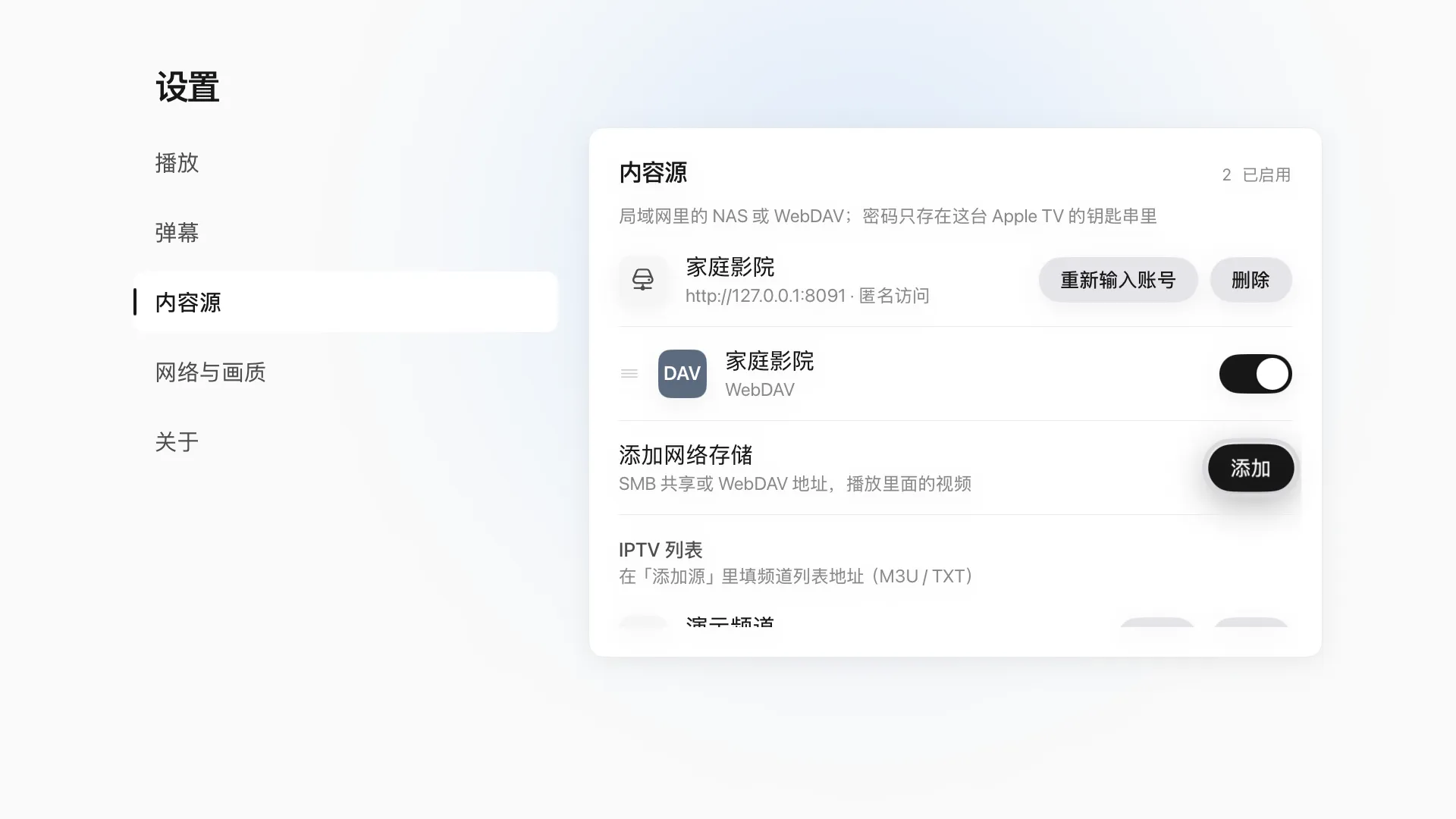 WEBDAV
Connect NAS devices, cloud drives and self-hosted services that support WebDAV, over http or https, and open videos stored elsewhere right on your TV.
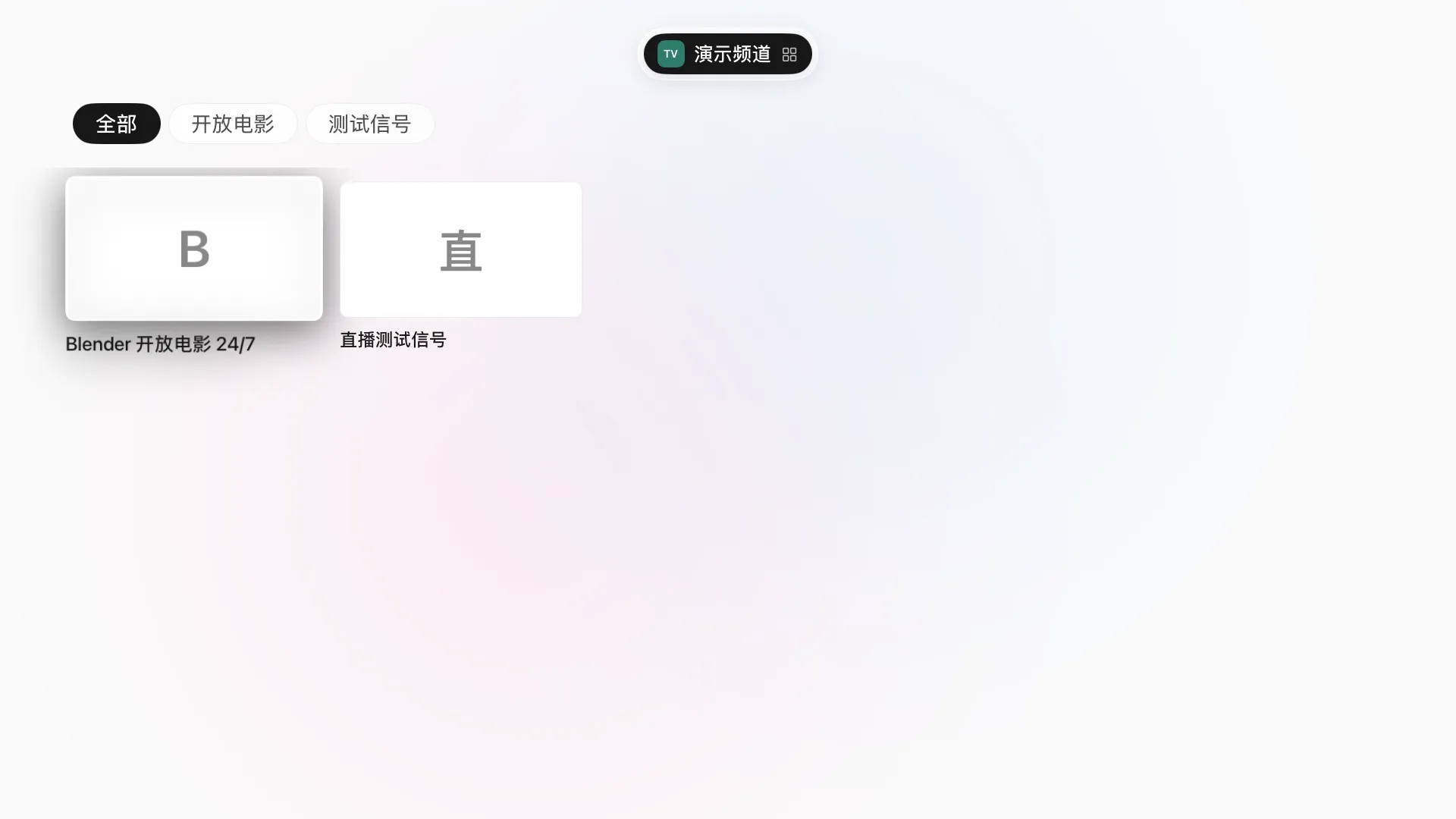 IPTV
IPTVImport M3U or TXT channel lists, browse channels by group, and press up or down on the remote to change channels while you watch.
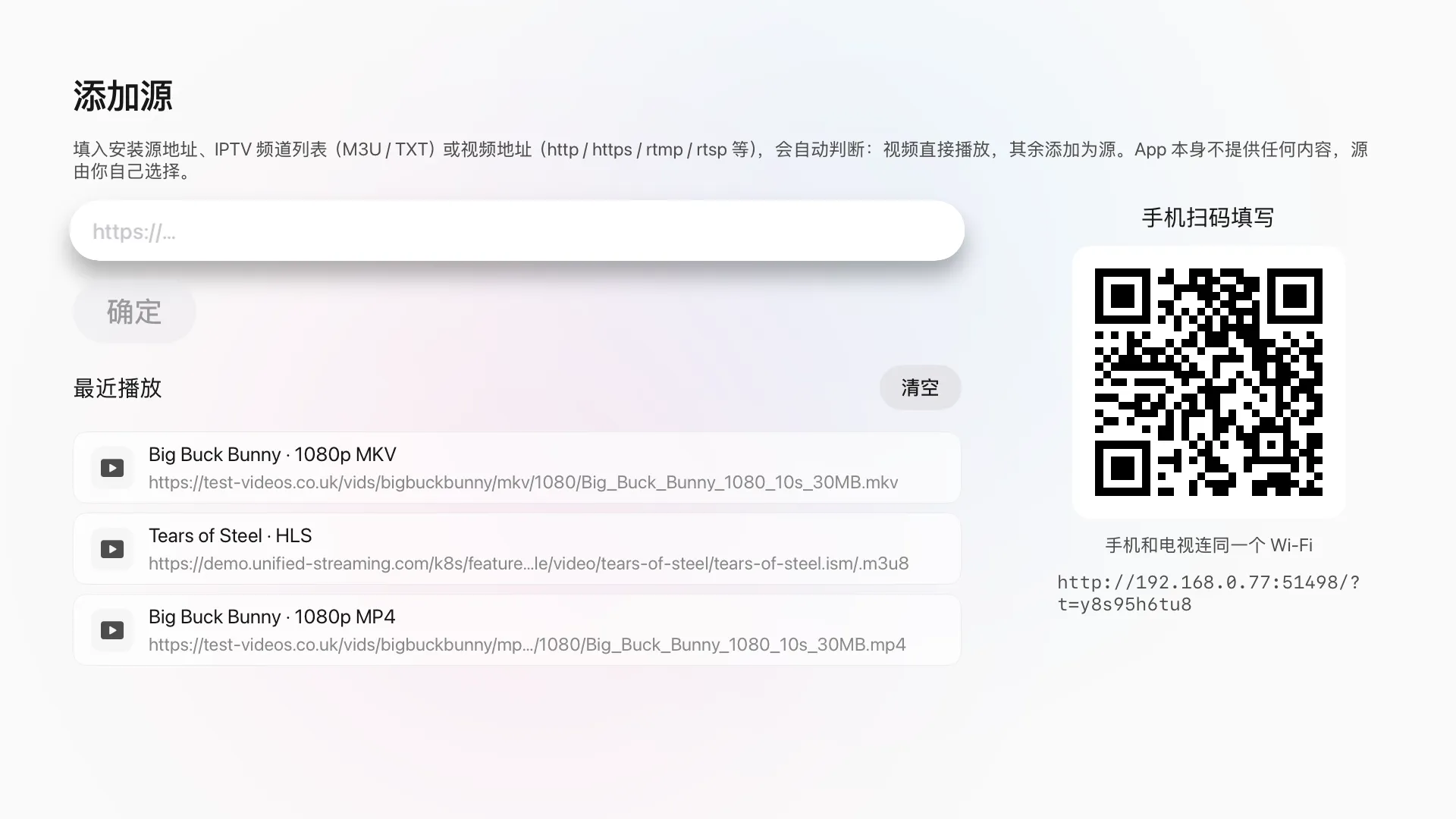 URL
URLEnter an HTTP, HLS, RTMP or RTSP video address to play it, or scan a QR code to send a link from your phone to the TV.
 CUSTOM
Add your own sources, then browse and play them like any other.

Every video remembers where you stopped; videos in the same folder play on in episode order.
mp4, mov and m3u8 use the system player; MKV, AVI, TS, RMVB and more play in the built-in engine, with embedded subtitles and multiple audio tracks.
Press left and right to skip, click to pause, and up or down to change live channels. Type addresses and passwords on your phone by scanning a QR code.
VILOTV
Requires tvOS 17 or later. The app interface is in Simplified Chinese.